THE TLTO CREATOR GUIDES
Less guesswork.
More good footage.
From a long recording to a considered final cut. Practical walkthroughs for finding the moment, getting the words right and keeping the sound you want.
Windows · local workflows · real creative control
Start with what you want to make.
Three focused guides. No shortcuts past the final review.
Clips & storytelling
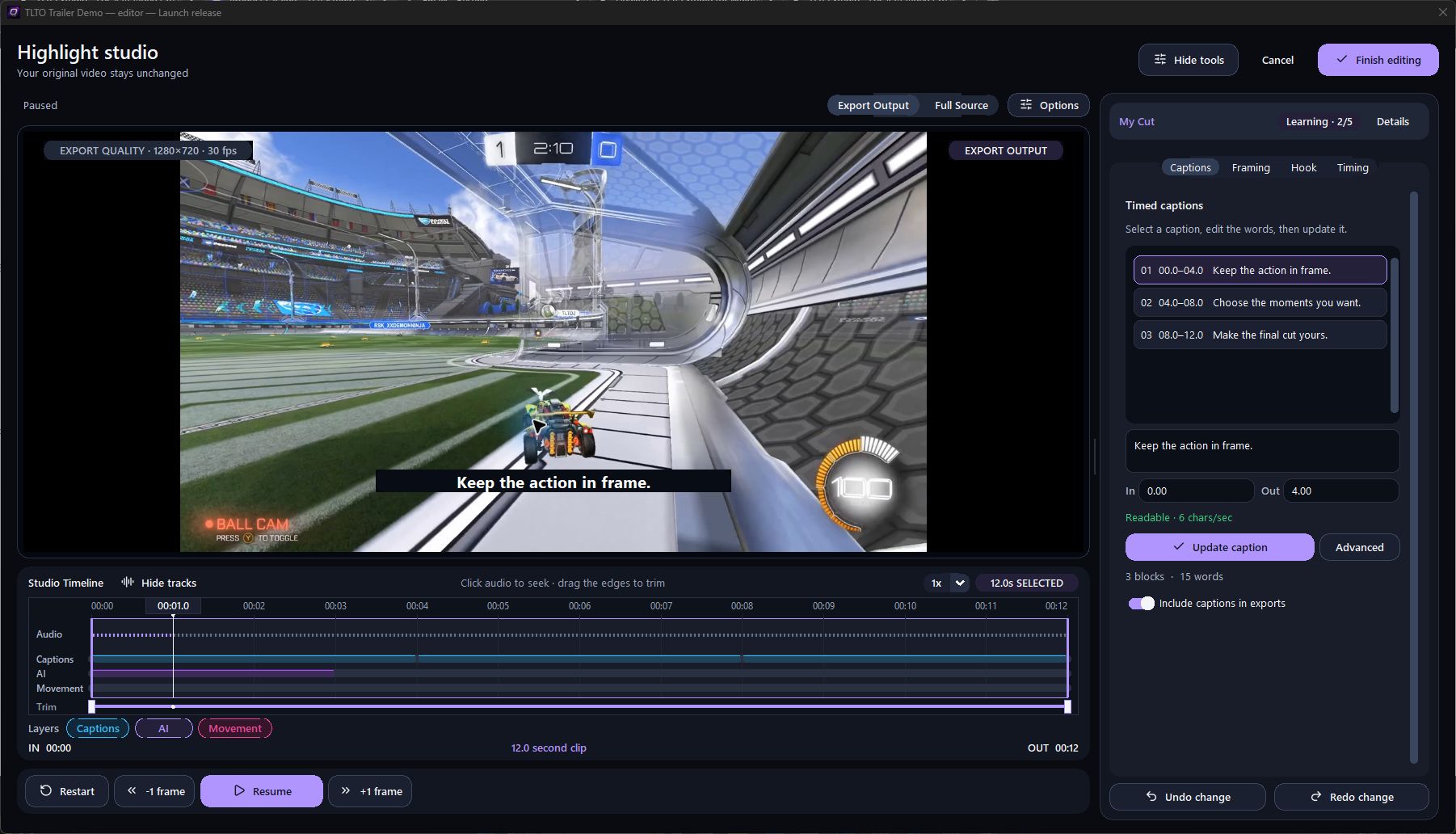
Turn a gaming recording into highlights worth sharing
Find, review and trim gaming highlights in TLTO Studio for Windows. Check the crop, keep the setup and payoff, and export the moments you choose.
Core workflow on Free · captions and higher-resolution exports on ProCaptions & clarity
Edit AI captions before you publish
Correct caption words and timing in TLTO Pro on Windows, review names and gaming terms, and export a captioned clip or full-length video locally.
TLTO Pro · WindowsAudio & recording
Clean captions. Keep the game sound.
Choose microphone and export tracks independently in TLTO's Pro caption workflow. Learn what multi-track recordings can—and cannot—do for gaming clips.
Pro caption workflow · requires a multi-track sourceA FREE TOOL FOR YOUR NEXT SHORT
Find a caption style
before you start editing.
Try text size, colours and line breaks in a vertical preview. This browser-only tool explores readability and layout; it does not transcribe or export videos. No account or upload needed.
Open the free caption previewer ↗BUILT AROUND YOUR WORK
AI helps with the first pass.
You keep the final say.
These guides cover the available Windows workflow. Suggestions and transcripts still need review; speed depends on your footage and PC. Analysis, transcription, previews and exports run locally. Internet is used for licensing, updates and optional verified model downloads—not to upload your footage.
Tell Gary and Jordan what would help you next ↗